 TM Hub
Warehouse and inventory
A warehouse that always matches reality
Stock changes with receipts and sales, and an Excel upload is validated before anything is saved.
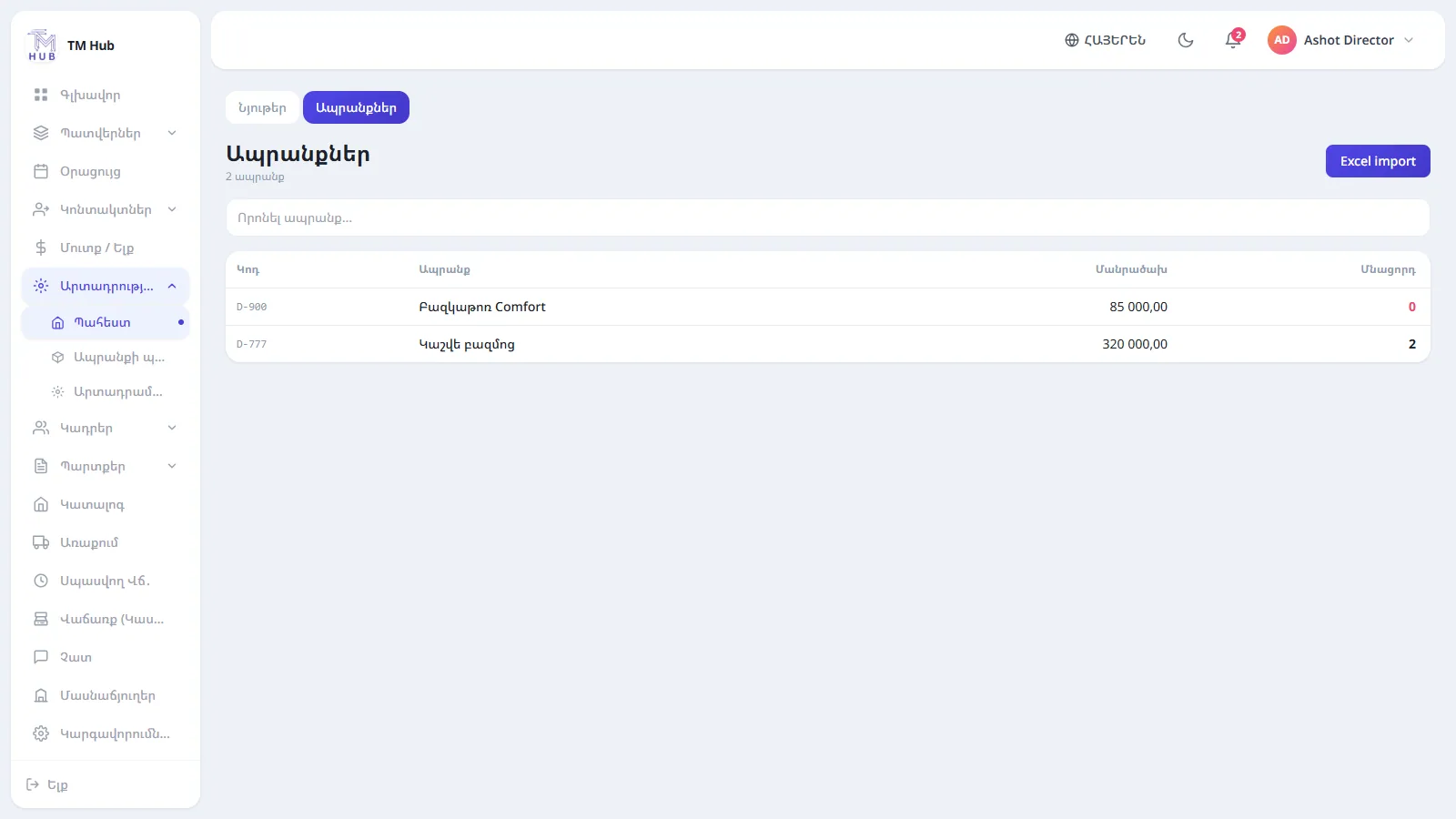
01
Receive goods from Excel
Upload an .xlsx, review the preview: new and existing products, total quantity and amount, an error list with row numbers. After you confirm, stock increases.
- A downloadable template
- Duplicate and bad-number checks
- Import history
02
Stock and receipts
Every receipt is stored separately with its quantity and purchase price. A sale reduces stock, a return restores it.
- Receipt history in the product card
- Price change history
- Negative stock flagged
03
Materials and workshop
Track materials (boards, leather, foam), set a minimum stock and move them to the workshop.
- Minimum stock warning
- Transfer to workshop
- Usage tracking
04
Product requests
When an item is out of stock, create a request noting who wants it. On receipt the request closes automatically and a notification goes out.
- Requester: employee, customer or other
- Notification to those responsible
- Statuses: open, received, handed over
FAQ
Answers before you ask
What happens if the Excel file has an error?
Nothing is saved. You see an error table with the row number and reason, fix the file and upload again.
Can I add a translation of a product name?
Yes, you can enter the name in Russian and English and it shows in the matching language.
Get your warehouse in order with us
A 30-minute walkthrough using your orders, warehouse and register. No obligation.
- A personal walkthrough
- We help configure and import your data
- A clear offer after the demo
Or write to us: info@tmhub.am