 TM Hub
Orders get lost
Who is doing it, what stage, when is the deadline, what has been paid? The answers live in different files and chats.
Built in Armenia for production and retail
TM Hub is a CRM/ERP that replaces Excel, notebooks and endless phone calls. See your whole business on one screen: from order to profit.
Works with the tools you already use
Sound familiar?
Data is scattered, stock is wrong, debts are forgotten. Hours go into manual work every day.
Who is doing it, what stage, when is the deadline, what has been paid? The answers live in different files and chats.
The item was sold but the stock did not change. You reorder too much, or too late.
Cash, card, instalments, advances — nobody knows the real profit.
Messages in Telegram, WhatsApp, Instagram. Nobody knows who should answer.
Features
The modules are connected: a sale reduces stock, a payment lands in finance, and a debt shows on the customer card.
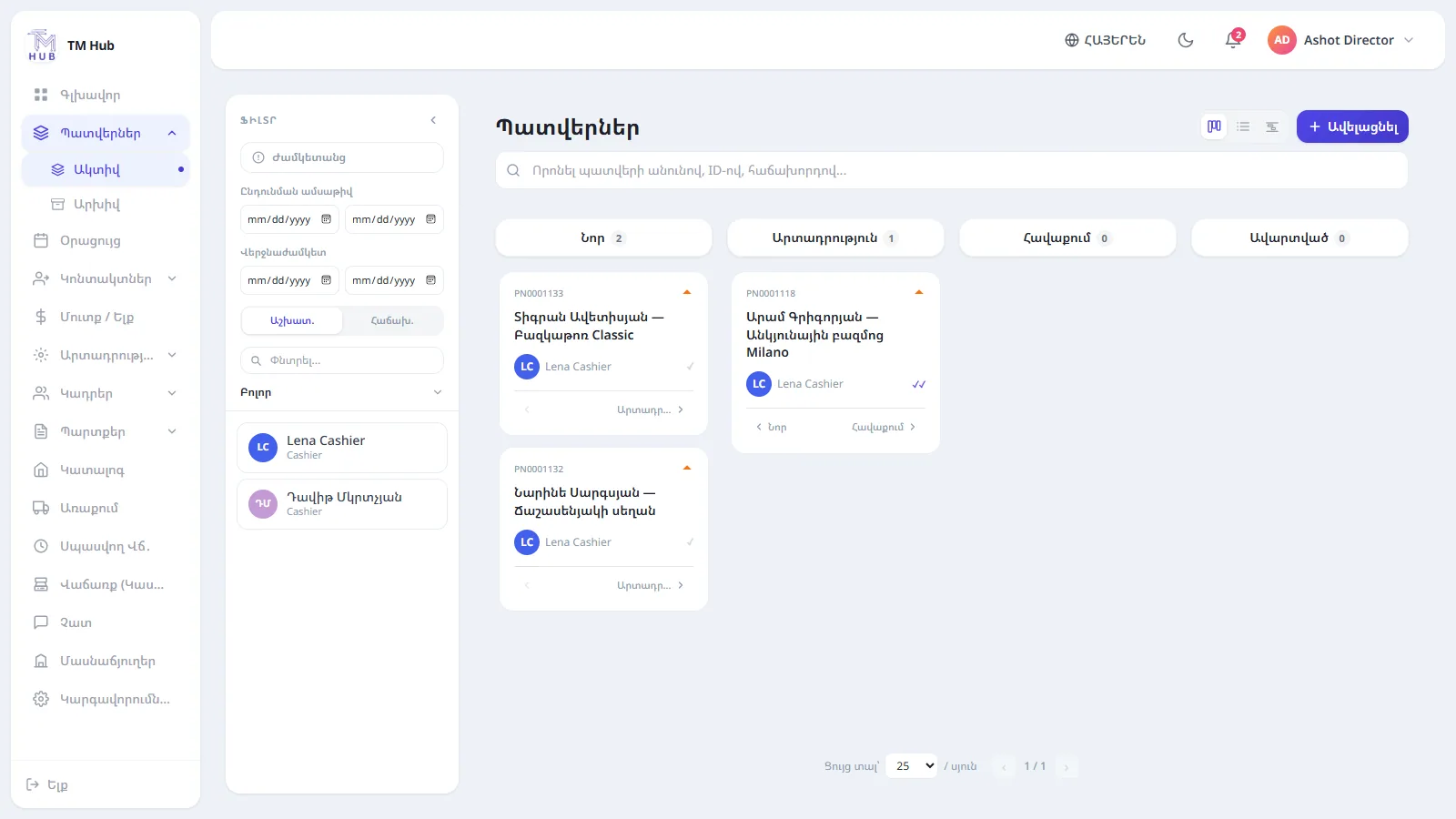
A Kanban board with your own stages, assignees, deadlines, advance / interim / final payments and an Invoice. Change a stage in one click.
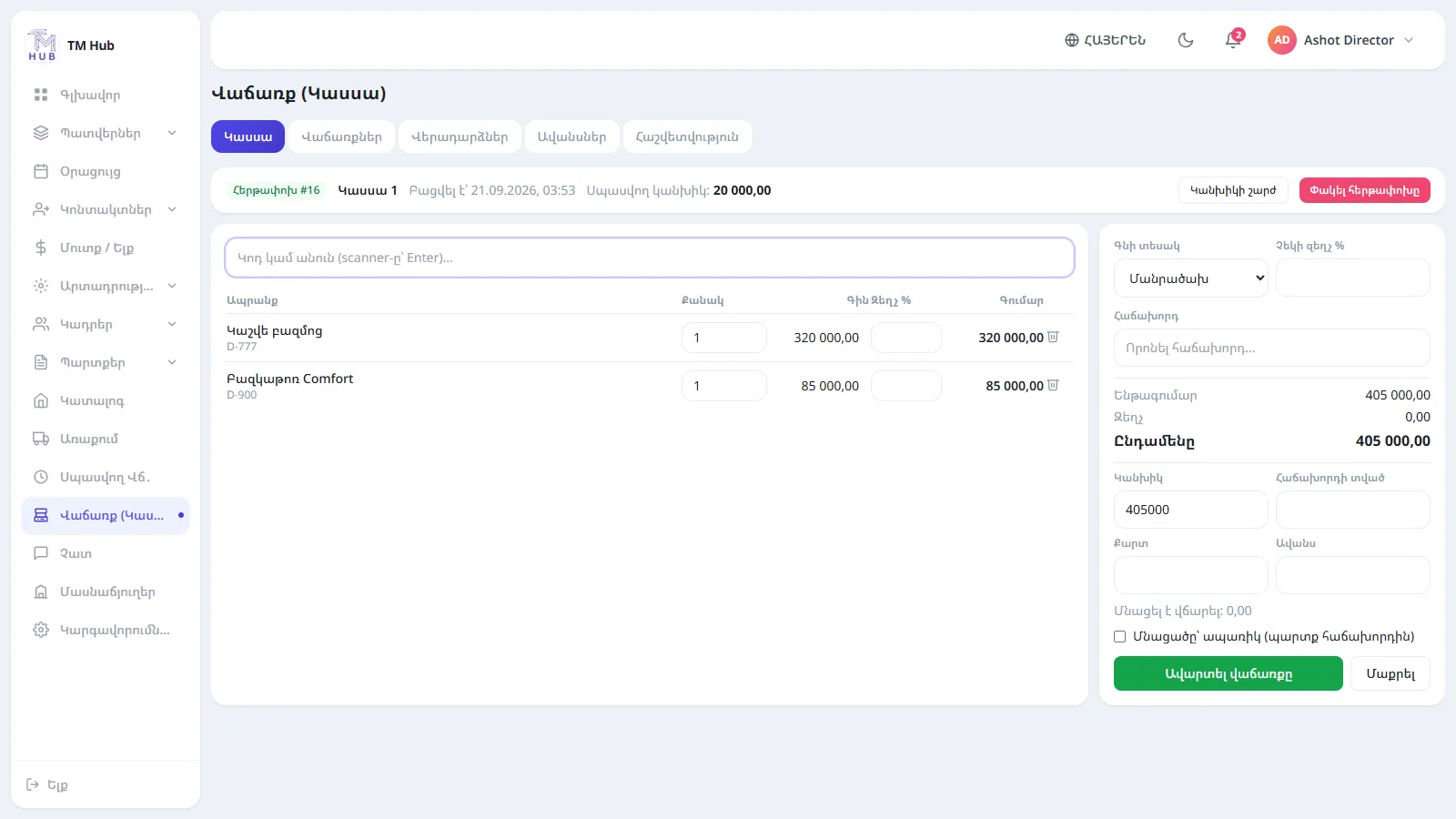
Shifts, split payments, instalments, advances, discounts and returns approved by the director.
Receive goods from Excel with a preview, an error list and price history.
Income/expense, cash and card, transfers. Debts of customers, suppliers and employees.
Formulas per position or person, automatic calculation, advances.
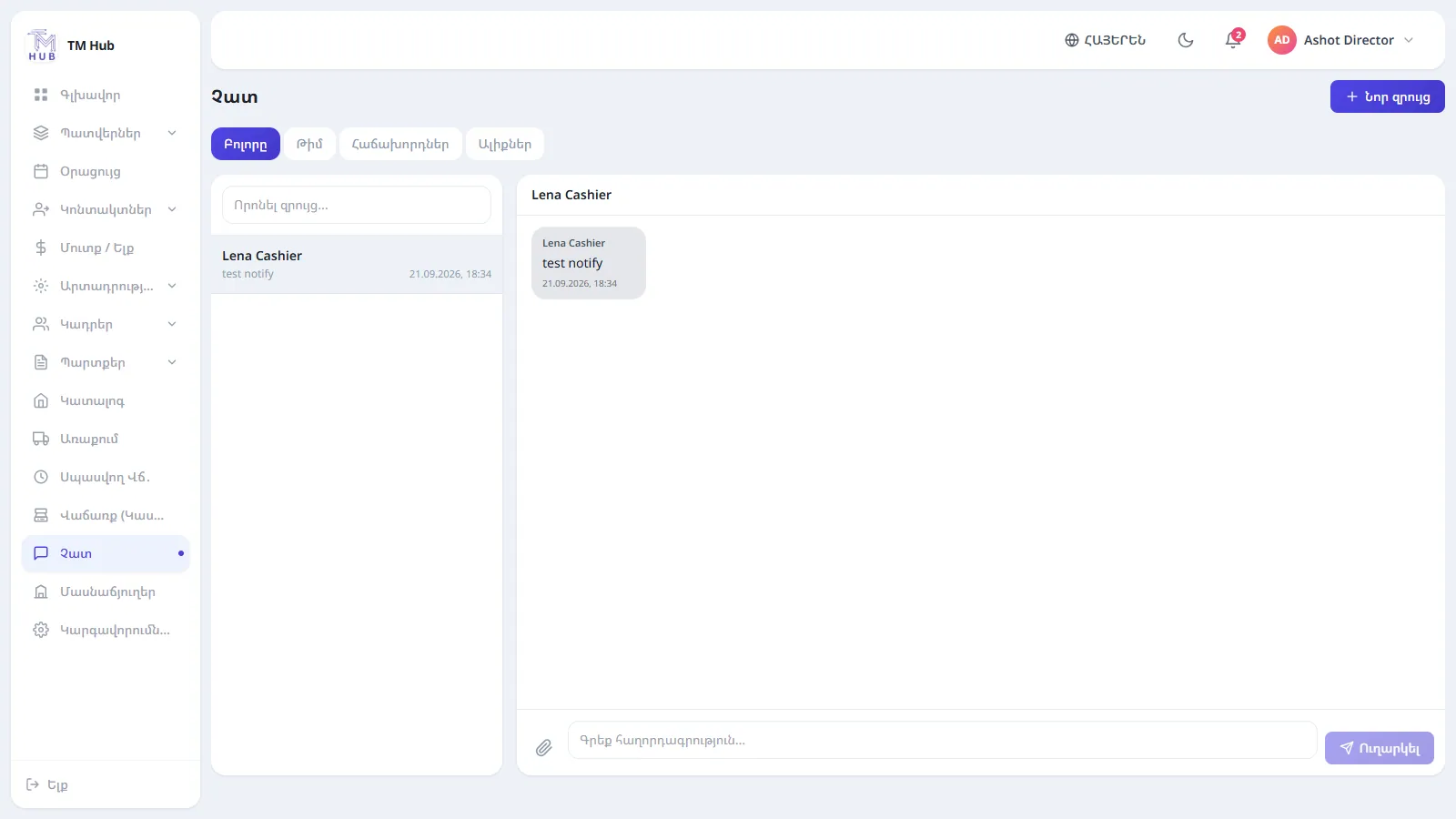
Team conversations and customer messages from Telegram, WhatsApp, Instagram and Viber in one window. Reply from where they wrote to you.
Multiple branches, positions — you decide who sees which pages.
Interface in Armenian, Russian and English. Receipts in your company language.
New order, payment, request, message — instantly, without reloading.
Order deadlines and customer calls in one calendar.
Inside the system
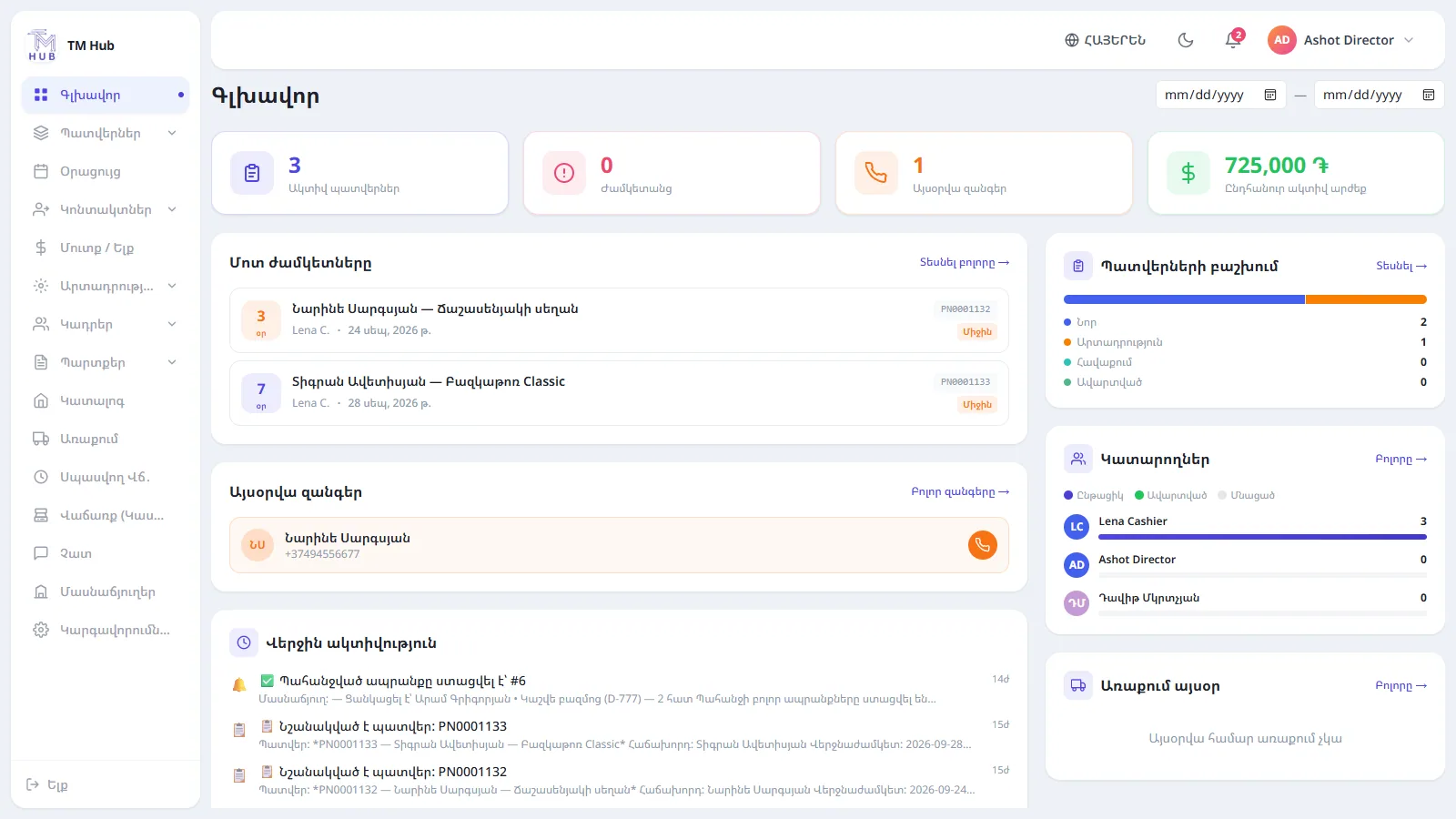
This is the actual TM Hub interface. Pick a section.
Every order has a stage, an assignee, a deadline and a payment history. The board updates in real time.
Open a shift, scan a code, take payment in full or in parts. On closing, the system compares expected and counted cash.
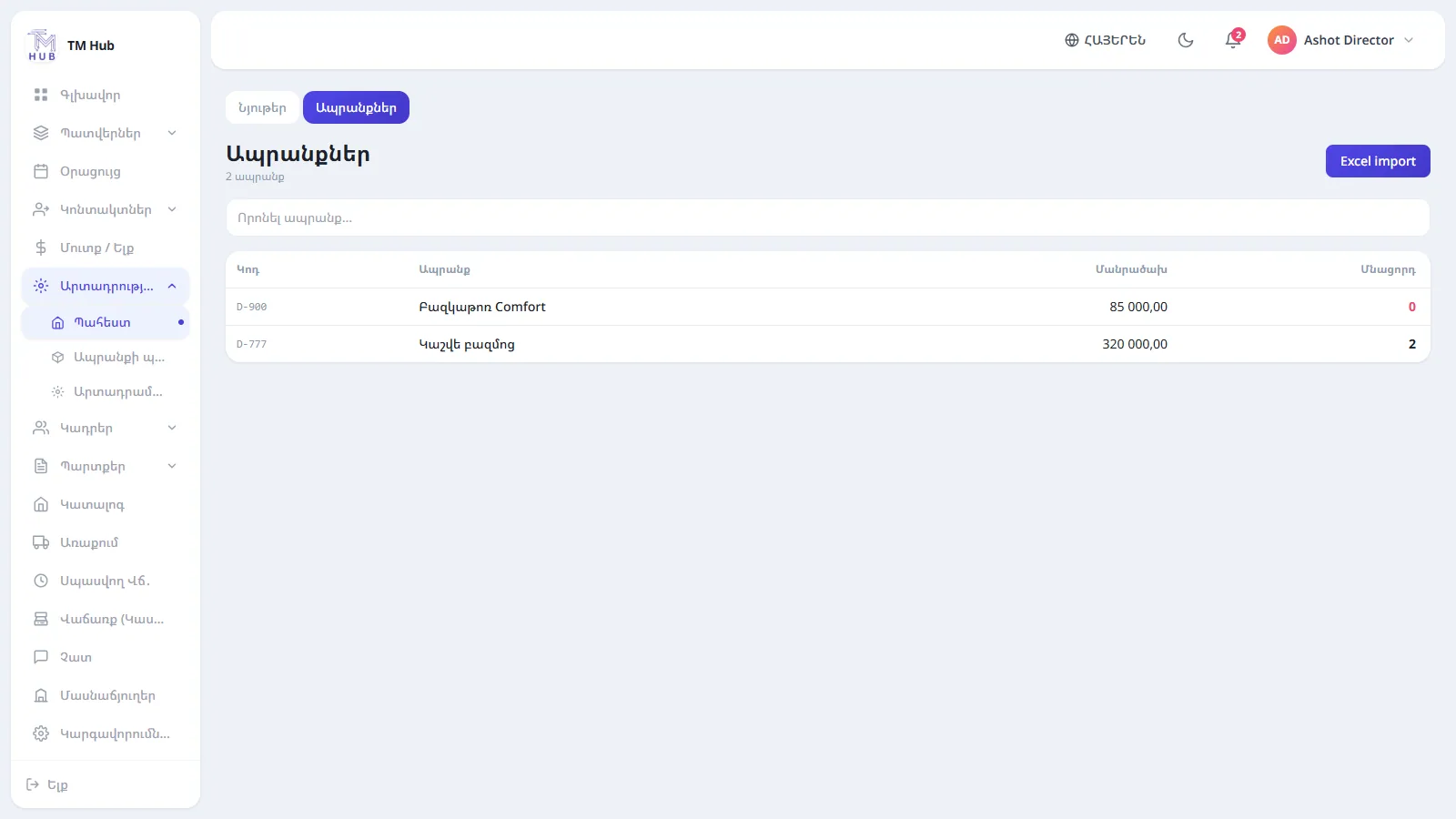
Stock grows with receipts and drops with sales. An Excel file is validated first: if there is an error, nothing is saved.
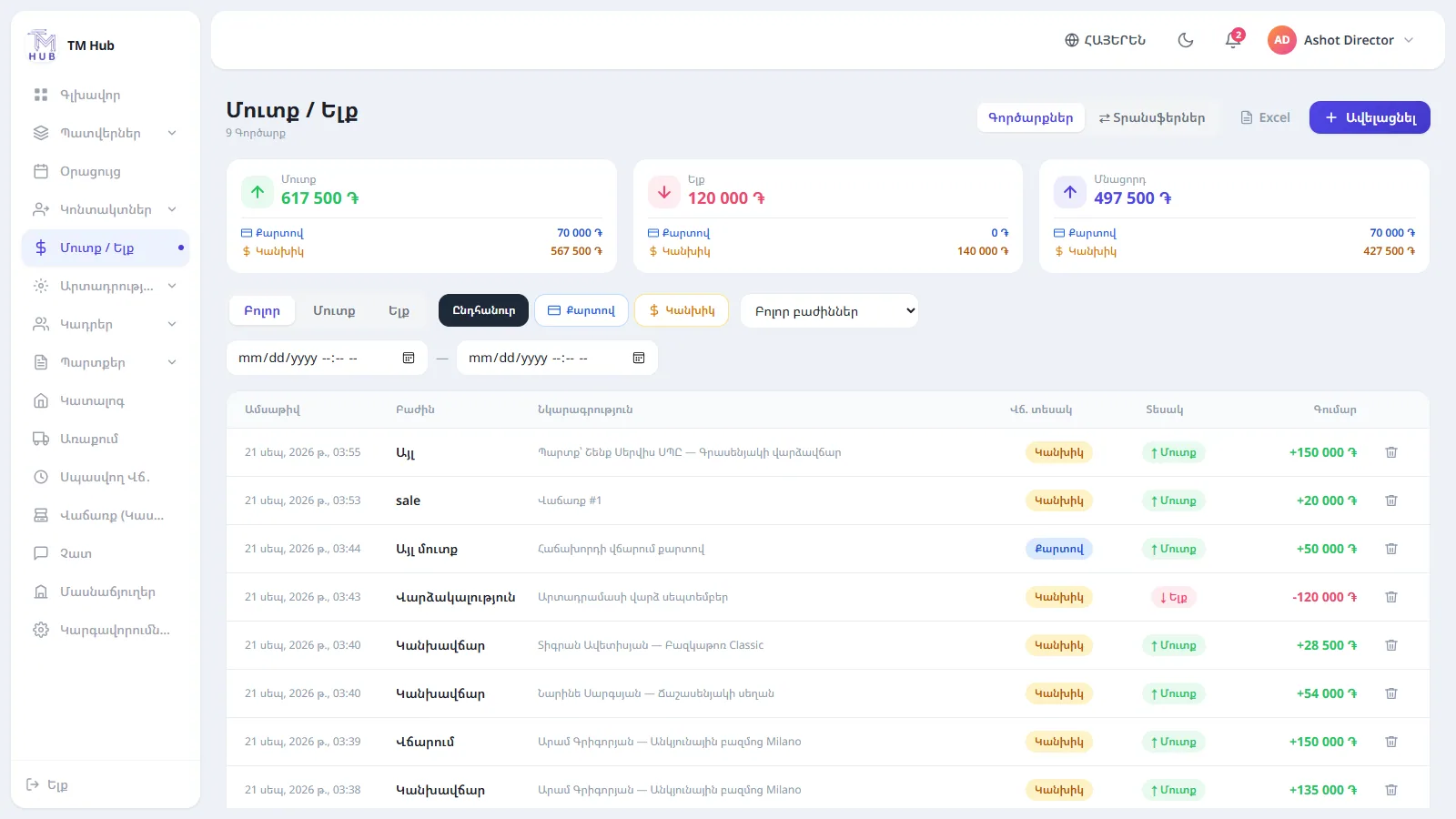
Order and sale payments appear automatically. Expenses by category, cash and card shown separately.
The team talks to each other, while customer messages from Telegram, WhatsApp, Instagram and Viber land in the same place.
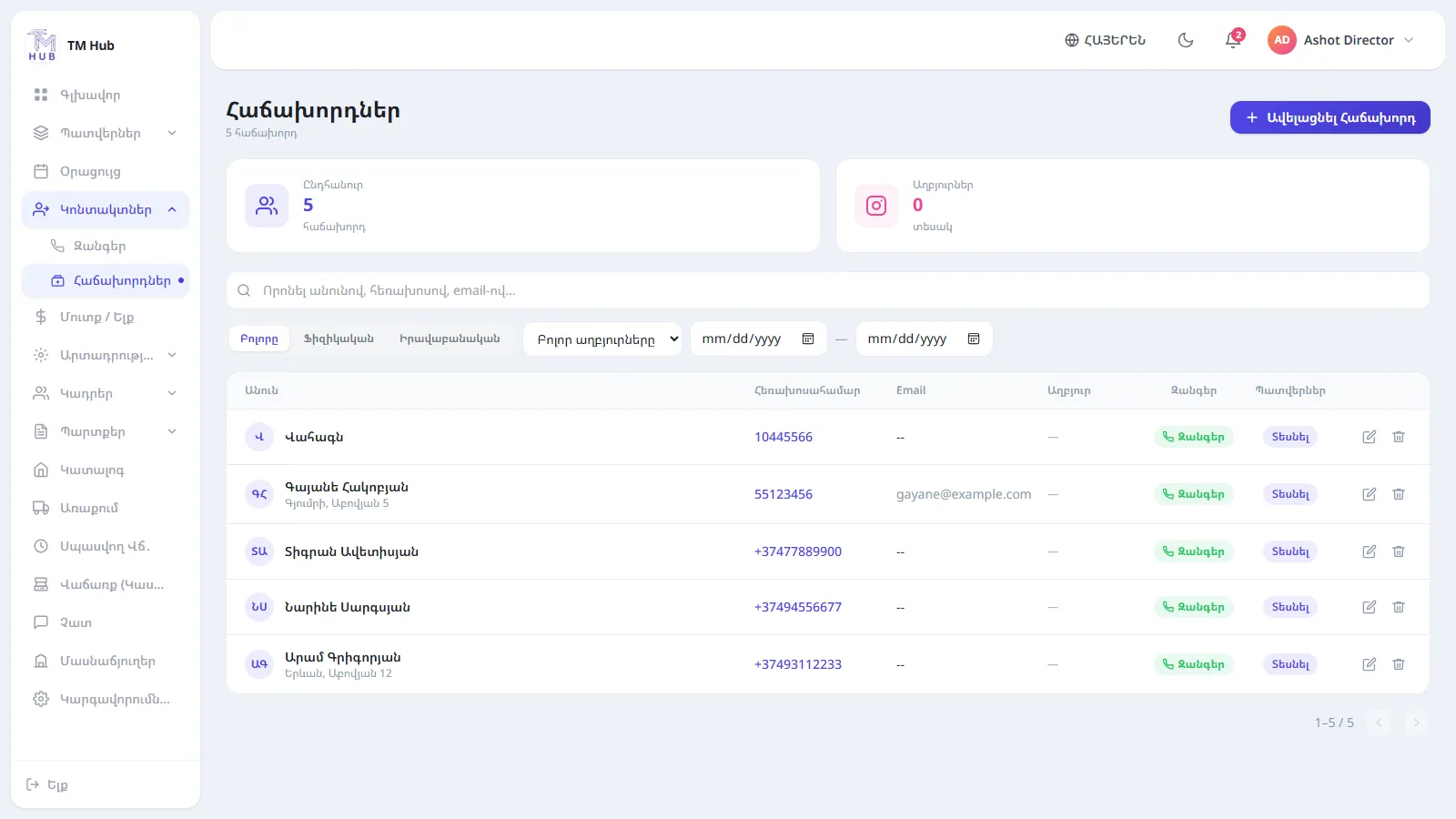
Orders, calls, debts and advance in one card. The next call date is never forgotten.
Solutions
Details for each direction.
TM Hub shows which stage each order is in, who is doing it, what has been paid and what is left — without asking or phoning around.
Read moreShifts, every kind of payment, returns and real profit — on one simple screen.
Read moreStock changes with receipts and sales, and an Excel upload is validated before anything is saved.
Read moreGetting started
No long implementation: configure the essentials and start working.
We create your company: branches, positions, order stages, who sees what.
Products and receipts from Excel, customers added or imported.
Orders, sales, warehouse, finance — everything is connected and reports build themselves.
Comparison
Excel is a great tool, just not for running the whole business.
| Question | Excel and notebooks | TM Hub |
|---|---|---|
| Order status | You find out by calling | Visible on the board, notified on stage change |
| Warehouse stock | Updated by hand | Changes on its own with receipts and sales |
| Profit | Calculated at month end | Report with FIFO cost |
| Debts | Forgotten | On the customer card, with partial repayment |
| Staff permissions | Everyone sees the file | Each position sees only its own pages |
| Customer messages | Scattered across chats | One window, with an owner |
Who it is for
Furniture, upholstery, textiles, made-to-order — with stages, assignees and material tracking.
Register, sales, returns, advances, instalments and warehouse stock in real time.
Branch registers, staff, product requests and unified reporting.
Customers, calls, orders, payments and payroll — without extra software.
FAQ
A 30-minute walkthrough using your orders, warehouse and register. No obligation.
Or write to us: info@tmhub.am